Turn your LinkedIn data export into a Spotify-Wrapped-style carousel in five minutes. The exact prompt, the 13-card library, and the rules that stop AI inventing your numbers.
TL;DR
- You'll build a 7-card document carousel (PDF plus individual PNGs) you upload straight to LinkedIn.
- You need: Claude (or ChatGPT), your LinkedIn data archive, and about five minutes.
- The output is loud, square, swipeable cards, nothing like corporate LinkedIn blue.
- The whole trick is a good prompt: it shows you the numbers it found, refuses to invent any, and skips cards where the data is missing.
- The full copy-paste prompt and the 13-card library are below.
Build your own LinkedIn Wrapped in five minutes
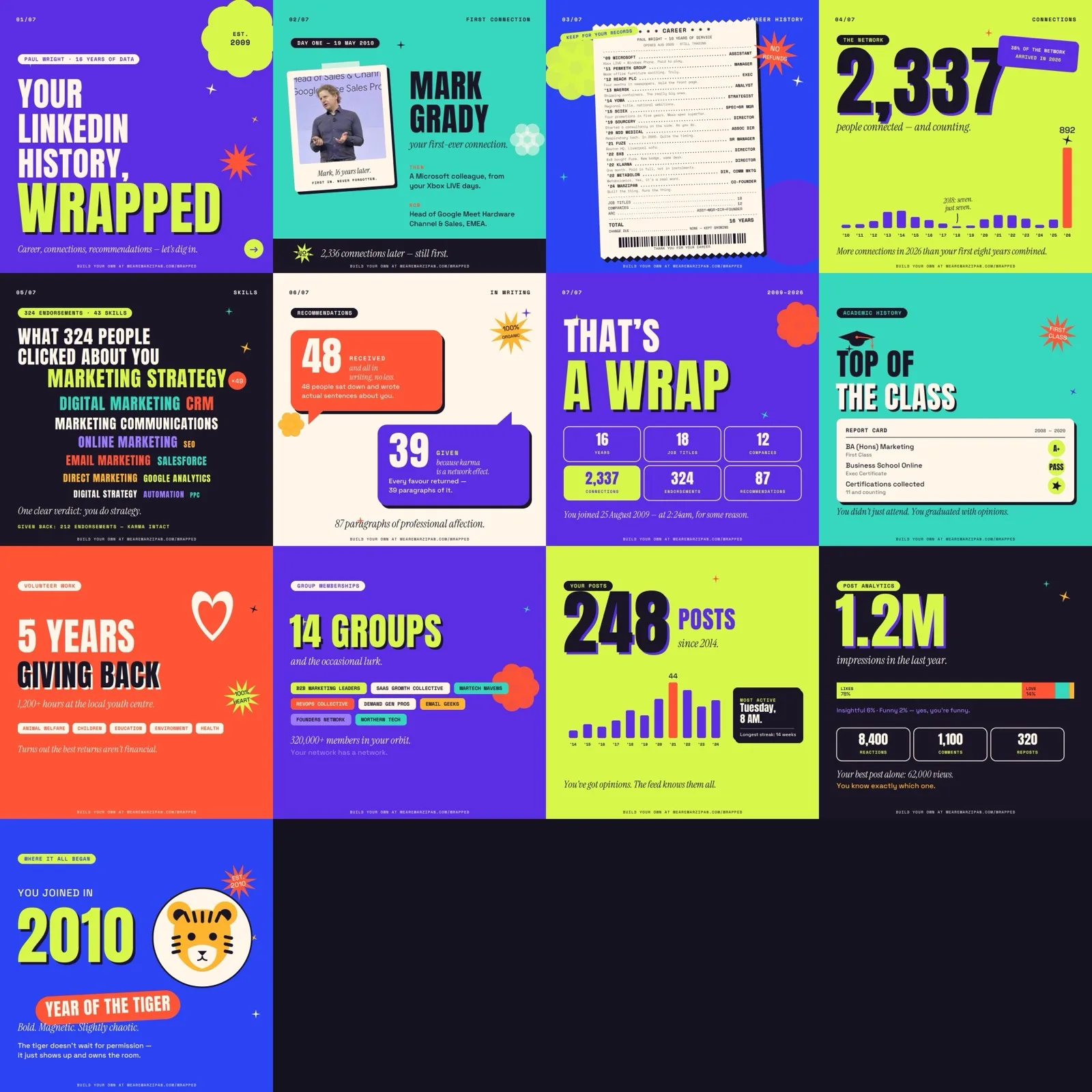
You can build a Spotify-Wrapped-style LinkedIn carousel from your own data in about five minutes. You need an AI that can open a zip file, your LinkedIn data export, and the prompt below. Here's mine, for proof:
Step 1: Export your LinkedIn data
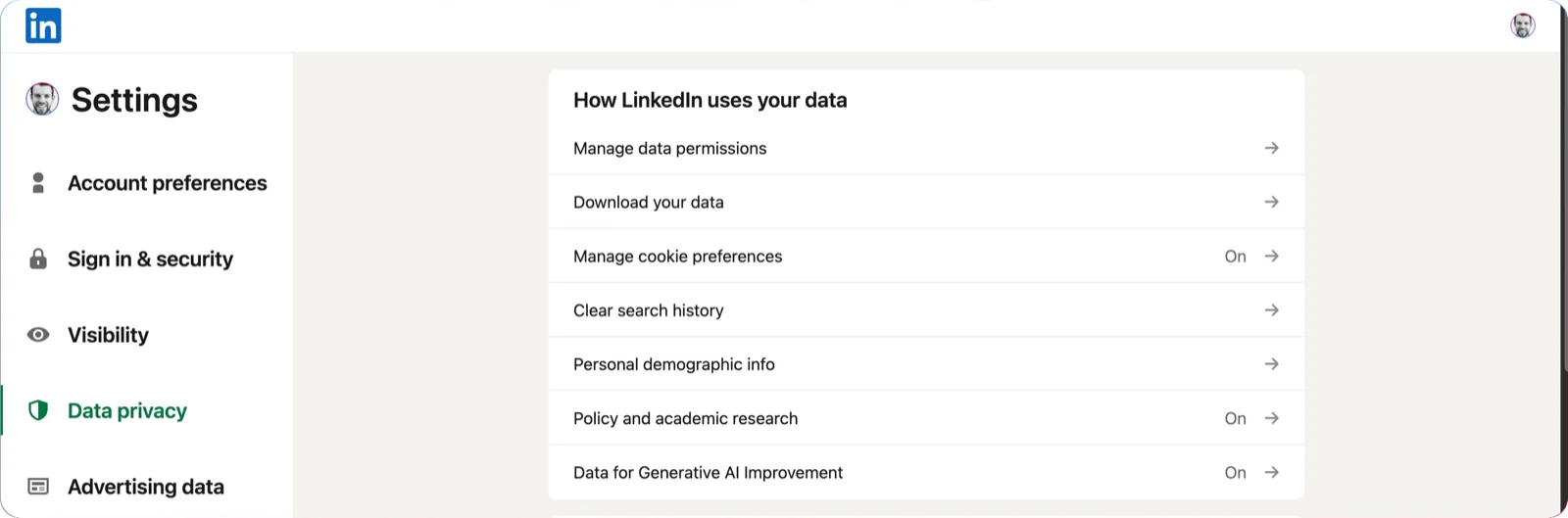
Sign into LinkedIn and go straight to the data privacy panel: linkedin.com/mypreferences/d/categories/privacy.
Click “Download your data.” On the next screen pick the top option, “Download larger data archive, including connections, verifications, contacts, account history...” The quick version skips half the good stuff. Then hit Request archive.
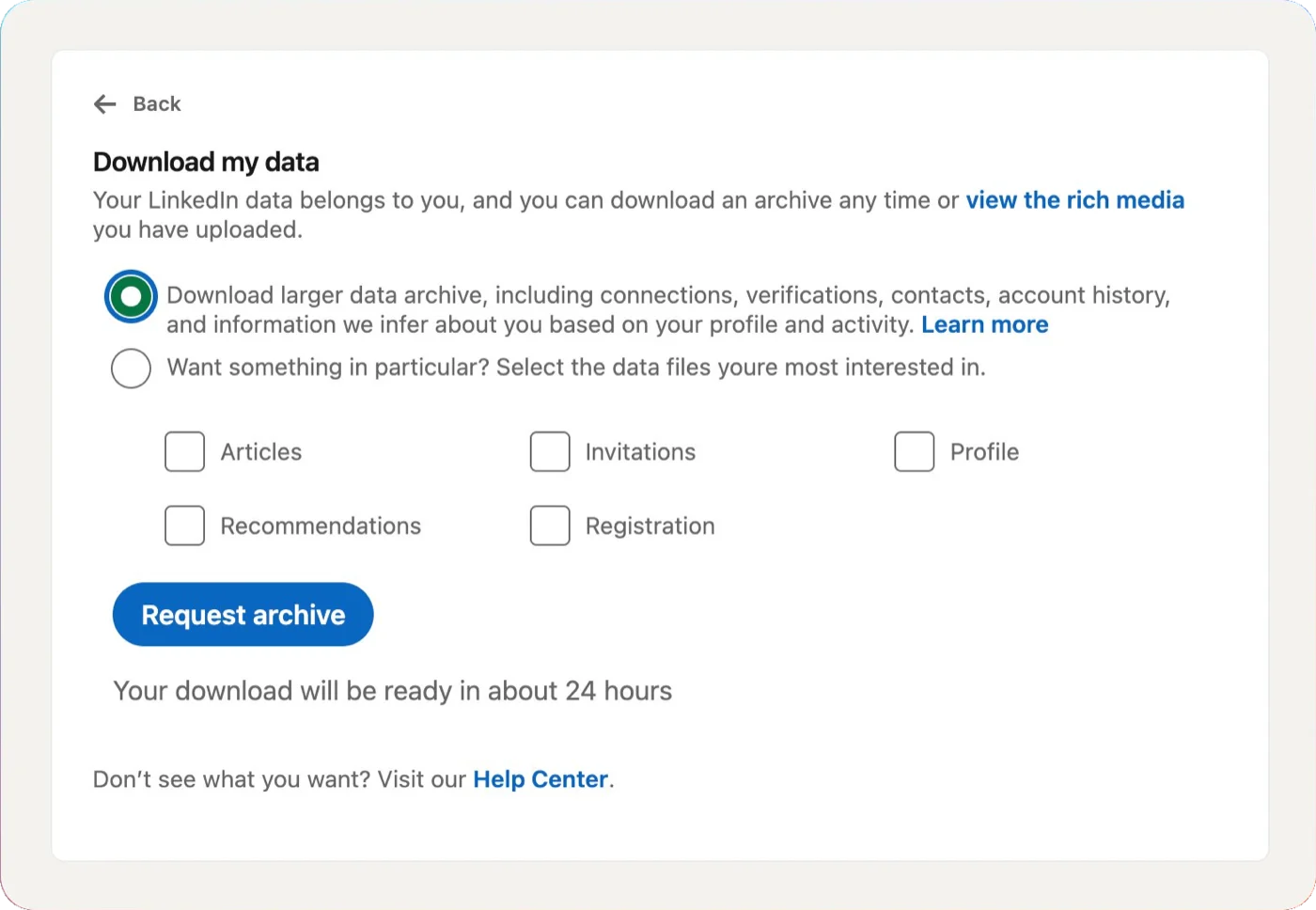
LinkedIn says 24 hours. Mine took 10 minutes. If your account is particularly old or active it can take the full day to compile, but you'll get an email with the download link as soon as it's ready. When the link drops, the file arrives as a .zip. Don't unzip it.
What's inside that matters: connections, jobs, education, skills, endorsements, recommendations, posts, and the exact moment you joined. One thing the export does NOT have: post impressions, views, and engagement received. That only lives in LinkedIn's analytics dashboard. If your AI offers to show you “1.2M impressions” from the export, it's making it up. A good prompt refuses to.
Step 2: Paste the prompt
Open Claude (or your AI of choice). Attach the .zip. Paste the prompt below. Let it cook. A well-built prompt does three things you'd otherwise miss: it shows you the numbers it found before designing anything, it refuses to invent figures, and it flags the cards it can't build because the data isn't in the file.
Copy this prompt:
# Build my LinkedIn Wrapped

You're going to turn my LinkedIn data into a "LinkedIn Wrapped": a Spotify-Wrapped-style PDF made of bold, square, shareable cards. One card per slice of my LinkedIn life. Loud, fun, and nothing like corporate LinkedIn blue.

## The data
I've handed you my LinkedIn data archive as a .zip. Don't make me unzip it. Open it yourself and read the CSVs inside.

The ones that matter: Connections.csv, Positions.csv, Education.csv, Skills.csv, Endorsement_Received_Info.csv, Recommendations_Received.csv, Recommendations_Given.csv, Shares_*.csv, Reactions_*.csv, Registration.csv. Plus Volunteering.csv, Causes You Care About.csv, Certifications.csv, Languages.csv if present.

Two rules, no exceptions:
1. Never invent a number. Every figure on a card comes from a file. If you can't count it, leave it off.
2. If a file is missing, skip that card. Don't fake it.

The export does NOT contain post impressions, views, or engagement received. Don't pretend it does.

## What to pull (show me before designing)
- Total connections, and a count per year from "Connected On"
- My first connection: earliest "Connected On" date, who, where they were, where they are now
- The year my network spiked and the share of total it represents
- Every job: company, title, start year, seniority arc
- Total endorsements and top skills by endorsement count
- Recommendations received and given
- Posts published by year, and my loudest year
- The date and time I joined LinkedIn

## The look
- Square cards, 1080 x 1080
- Loud palette: violet, lime, aqua, coral, cobalt, sunshine yellow, ink. NOT LinkedIn blue
- Bold display type for headline numbers, clean mono for labels, italic serif for one-liners
- One playful motif per card: a paper receipt for my career, a word cloud for skills, speech bubbles for recommendations, a bar chart for connections
- A small footer on every card (optional: your name, handle, or site)
- A tiny page marker in the corner (01/07, 02/07...)

## The default cards (7)
1. Cover - "YOUR LINKEDIN HISTORY, WRAPPED", my name, my years on the platform
2. First connection - who, when, where they are now
3. Career history - jobs as a printed receipt, priced as a seniority, one dry quip per job
4. Network growth - total as a giant number, bar chart by year, spike year flagged
5. Skills and endorsements - word cloud sized by endorsements, top one called out
6. Recommendations - received vs given as two speech bubbles
7. The wrap - a grid of headline stats, ending on the exact date and time I joined

If the data's there, also add: academic history, volunteer work, group memberships, posting activity, and a "Year of the [zodiac animal]" card.

## Voice for the one-liners
Short. Dry. A bit smug, in a fun way. A four-month job becomes "Hold the front page." Don't overdo it. One good line beats five.

## Ship
- Render each card at 1080 x 1080
- Hand me back: the individual PNGs, and a single PDF with all cards in order
- Show me the numbers and a contact sheet before the final export
Step 3: Ship it
Your AI will return a contact sheet first. Check the numbers. If your first connection is wrong, or the year count is off, fix it before the export. Then ask for the final PDF and the PNGs.
Upload the PDF to LinkedIn as a document. Add a caption, hit post. It swipes exactly like the real Wrapped. That's it, five minutes from zip to live post.
Pick your look: the 13-card library
Run Step 2 as written and you'll get a clean 7-card carousel. Want a specific card a specific way? Pick from the library below. Each card comes in two looks, v1 and v2. Save the one you like, paste the per-card prompt, and attach the image as “match this.” That gets you 90% of the way in one go.

01 Cover
Name and years on platform, from Registration.csv


02 First connection
Who, when, then and now, from Connections.csv (earliest date)
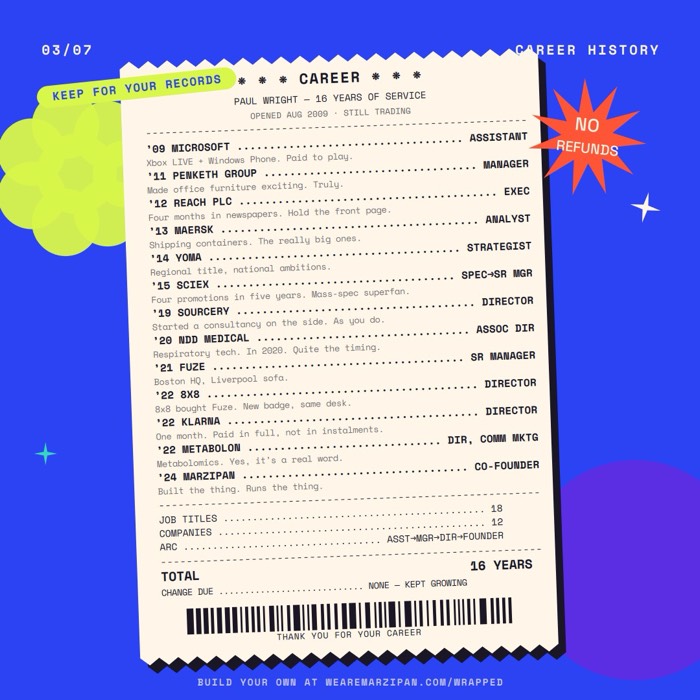
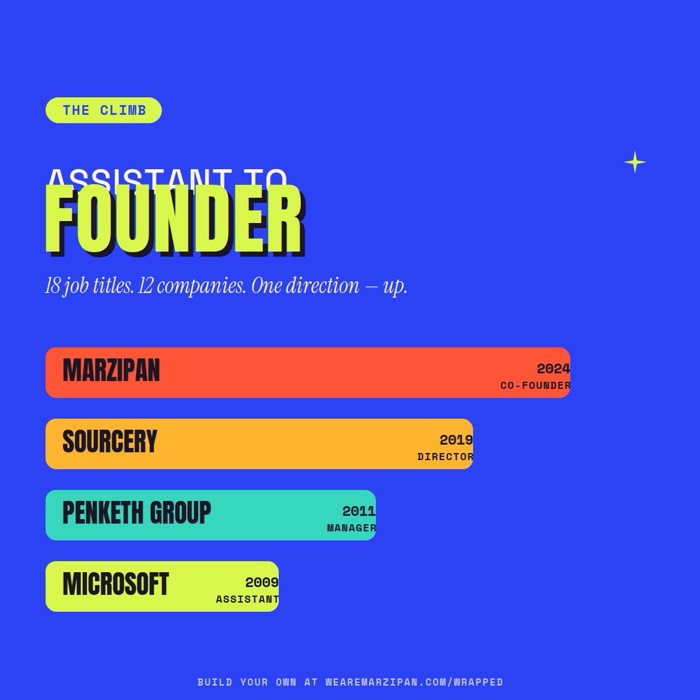
03 Career history
Every job as a receipt, from Positions.csv
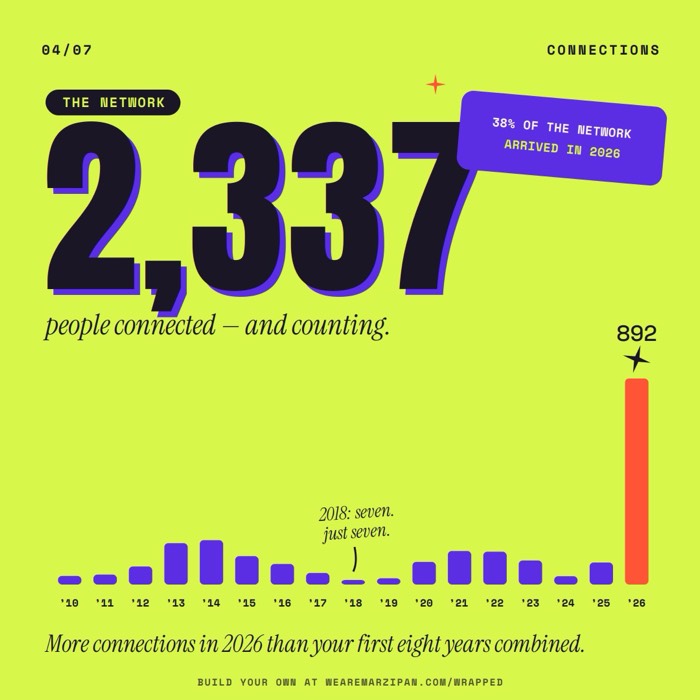
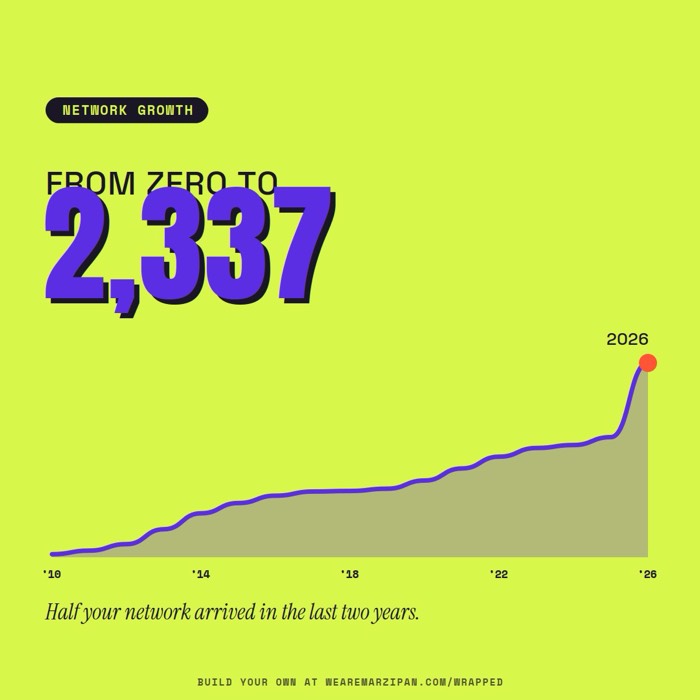
04 Network growth
Total and bar chart by year, from Connections.csv
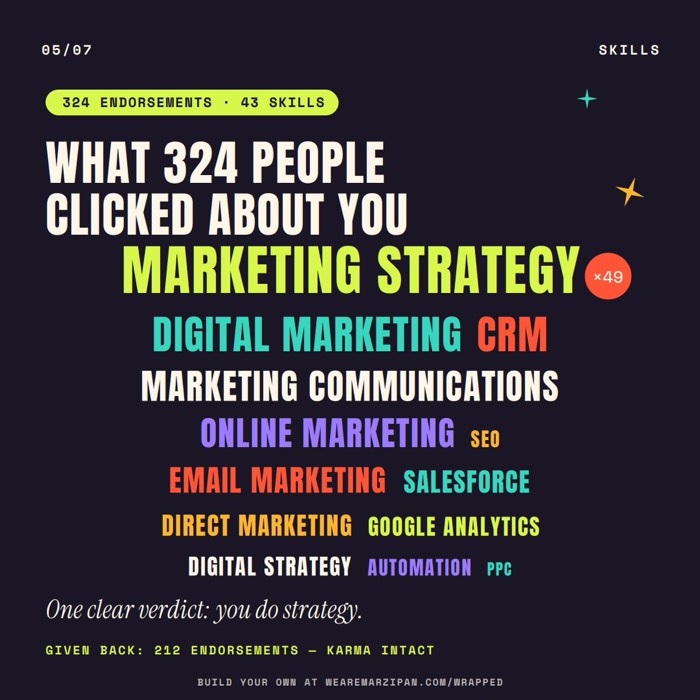
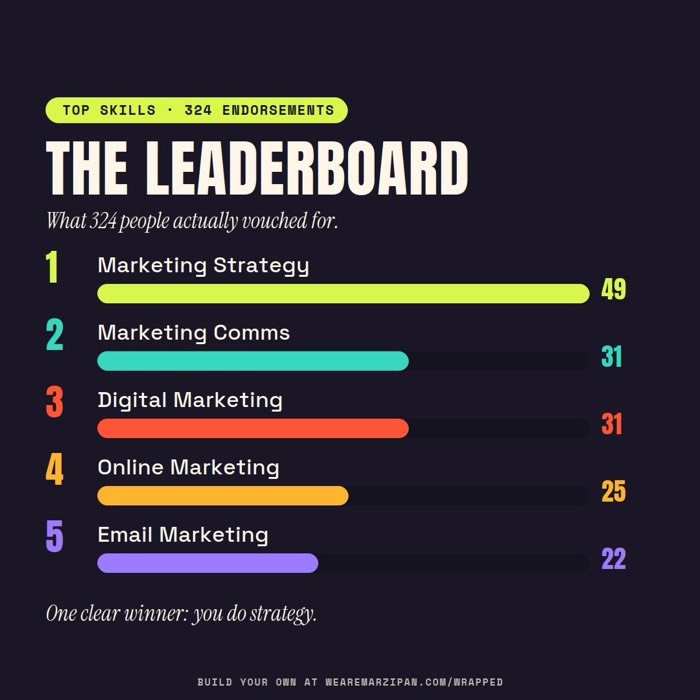
05 Skills and endorsements
Word cloud, from Endorsement_Received_Info.csv

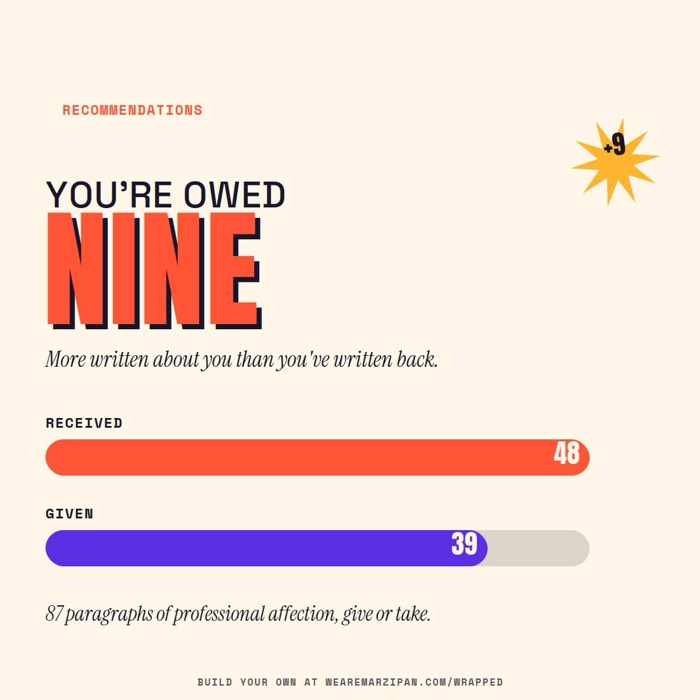
06 Recommendations
Received vs given, from Recommendations_*.csv
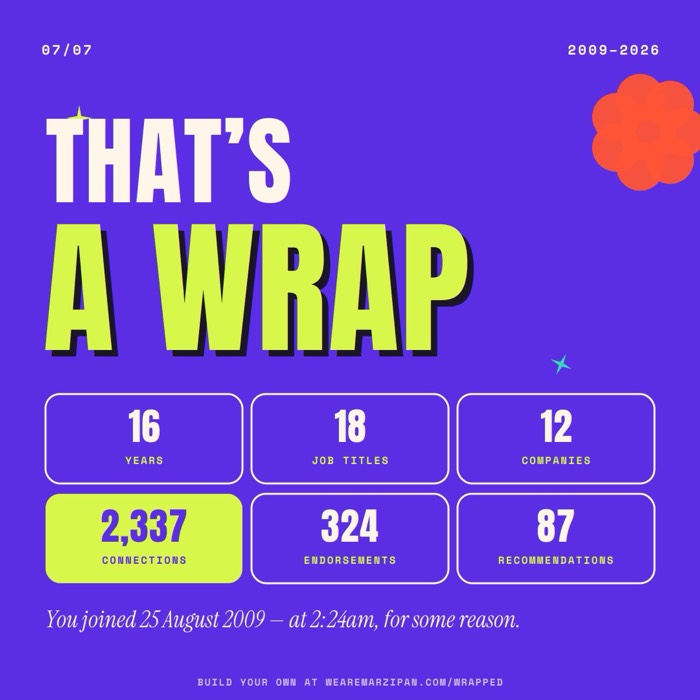
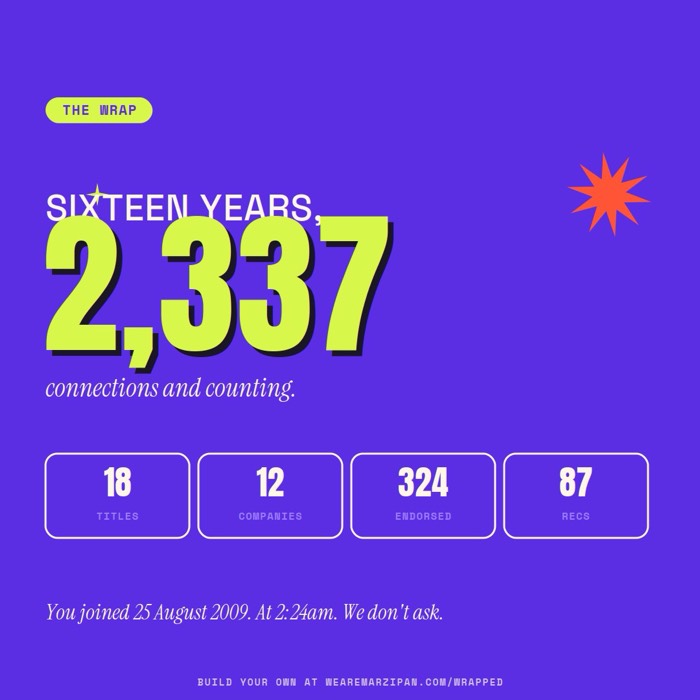
07 The wrap
Stat grid and join date/time, from all of the above


08 Academic history
Report card, from Education.csv and Certifications.csv

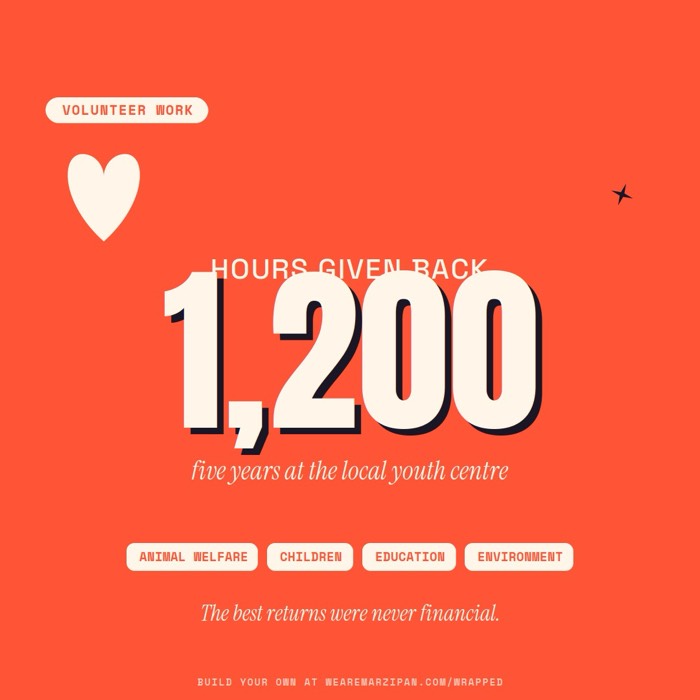
09 Volunteer work
Years given back, from Volunteering.csv and Causes.csv
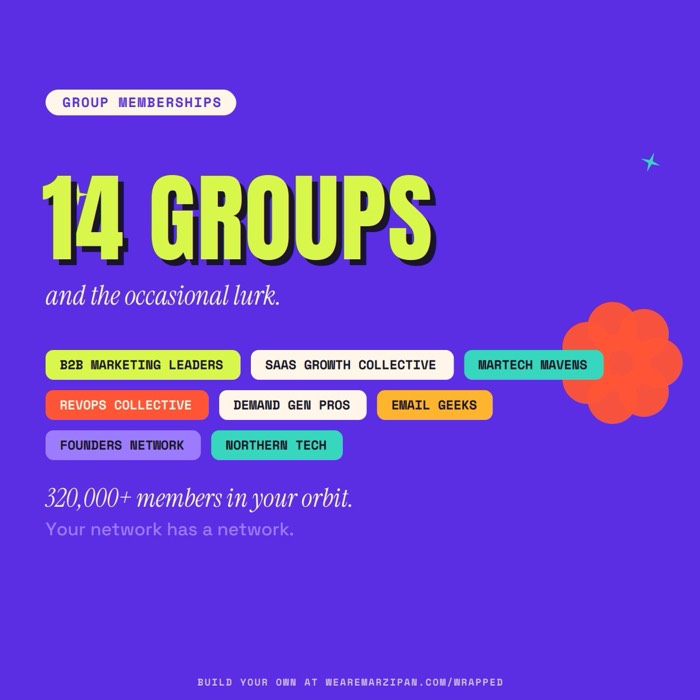
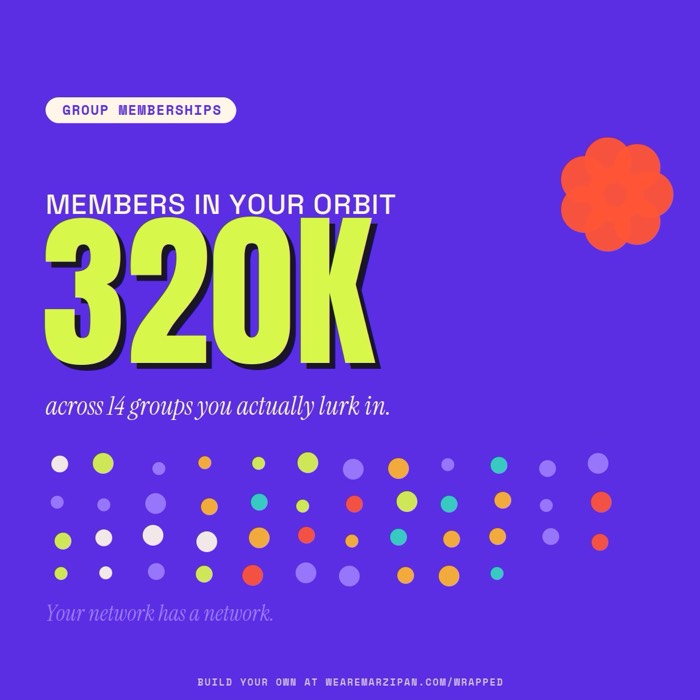
10 Group memberships
Tag wall, often not in the export, paste manually
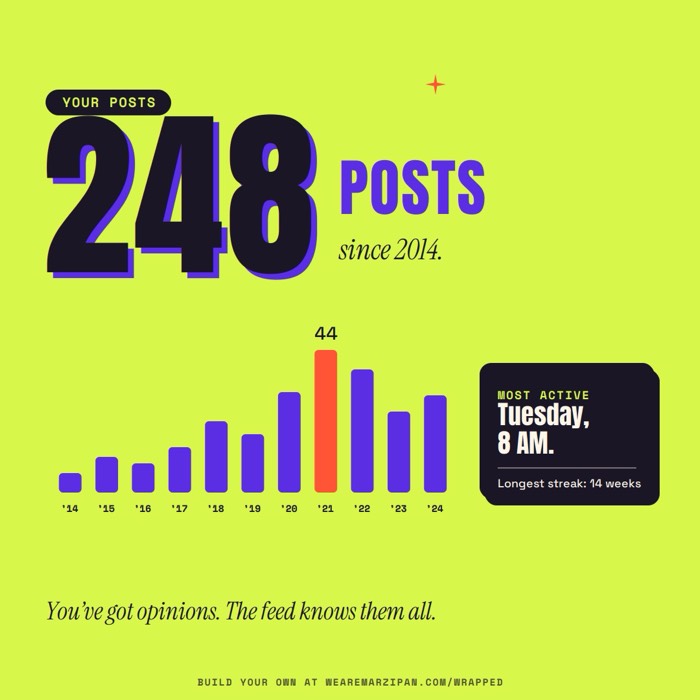
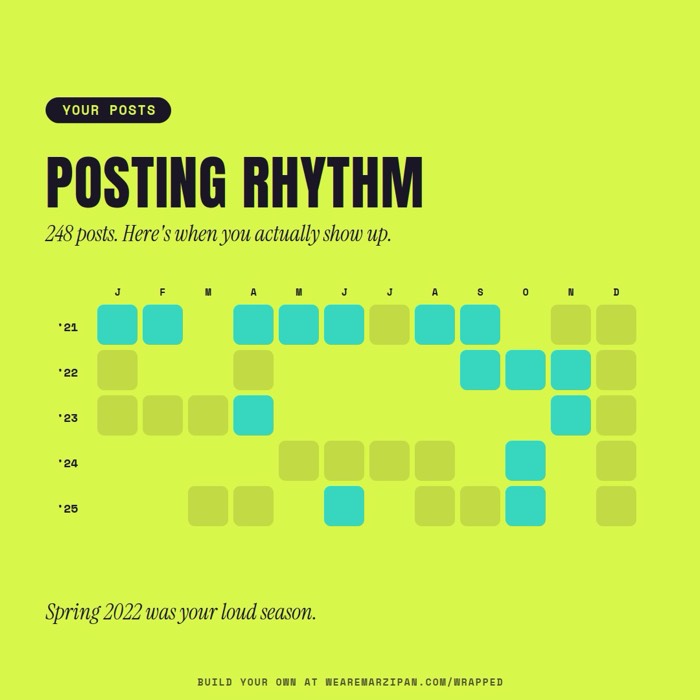
11 Posting activity
Bar chart by year, from Shares_*.csv
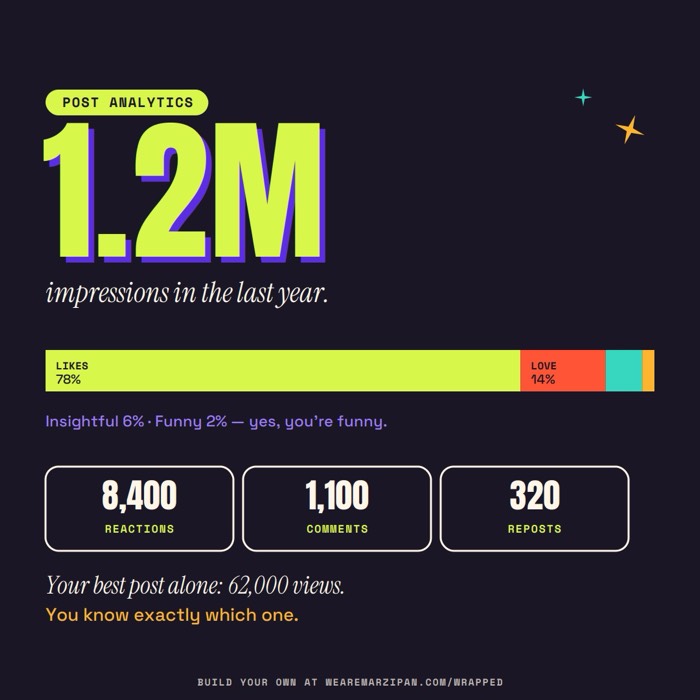

12 Post analytics
Impressions, not in the export, paste from dashboard
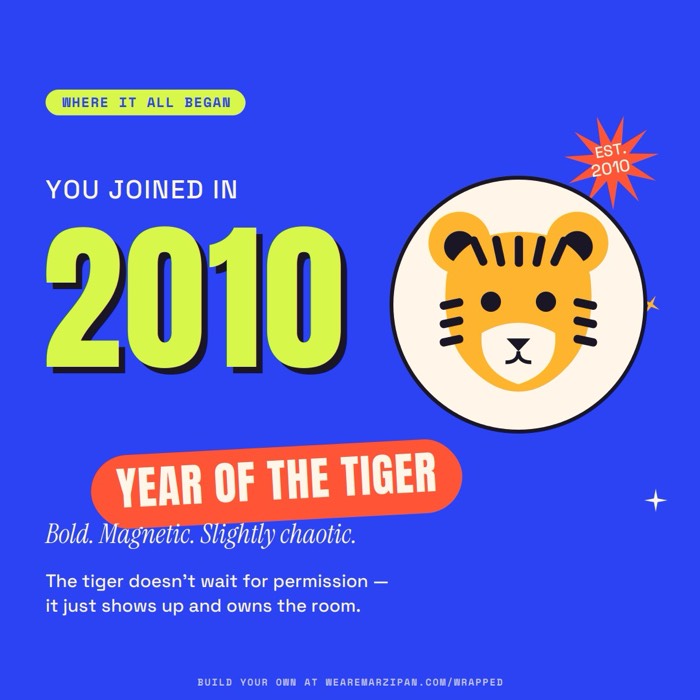
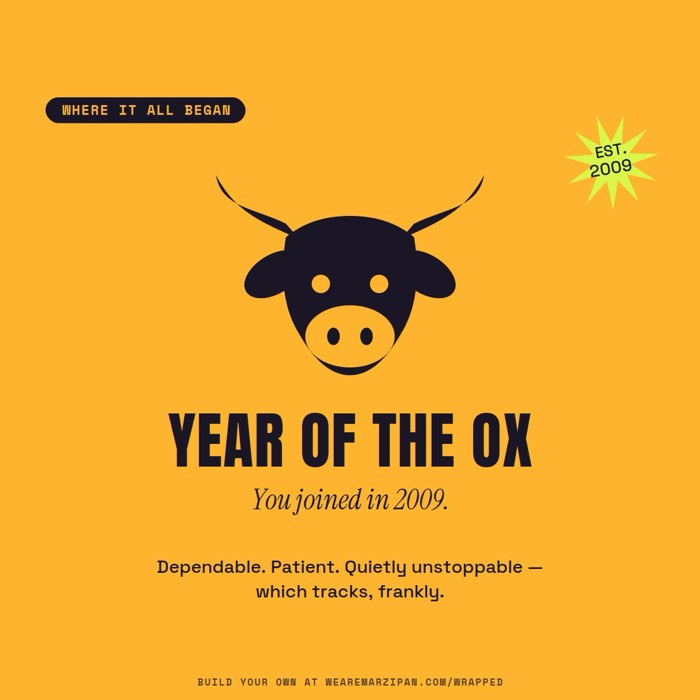
13 Year you joined
Chinese zodiac, from Registration.csv
Every card in the library comes in two looks, v1 and v2, so you can mix and match styles across the set.
Two hard rules
Never invent a number, and skip any card whose data isn't in the file. No fake reach metrics: the export has no impressions, views, or reactions received.
PDF or video: pick your format
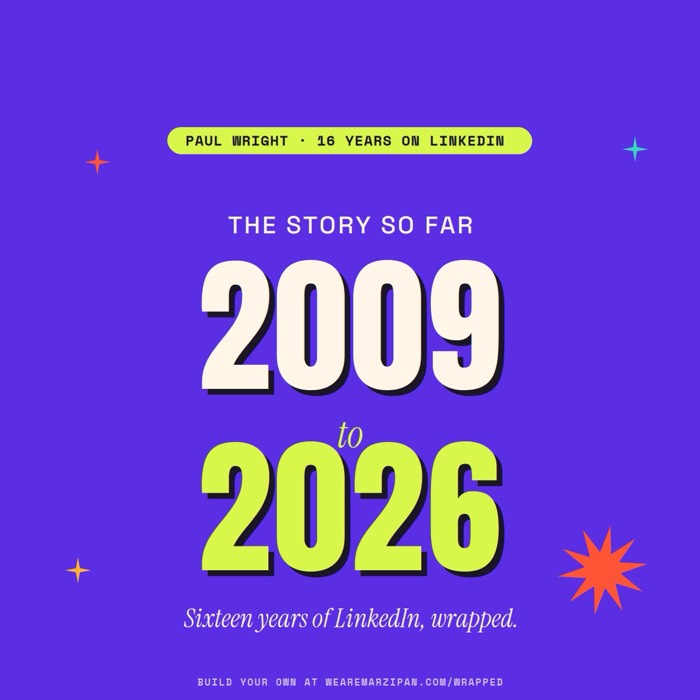
LinkedIn lets you post the carousel two ways. As a document: upload the PDF directly and it swipes in the feed, the cleanest version, and what most people do. As a video: the same cards stitched into a short clip with a few seconds per card, which tends to get more reach. Both work. Mine looks like this:
Download the full carousel (PDF)
All seven cards, ready to upload to LinkedIn as a document.
Or, have us do it
We do this for B2B brands every day: customer data into shareable content, on your brand, with no fake numbers. If you'd rather skip the five minutes and have us build it properly with your team, get in touch.
Frequently Asked Questions
| Question | Answer |
|---|---|
| Does the LinkedIn export include my post impressions and views? | No. Impressions, views and engagement received live only in LinkedIn's analytics dashboard, not the data archive. A good prompt refuses to invent them, and skips any post performance card you can't back with real numbers. |
| Which AI should I use? | Anything that can open a .zip and read the CSVs inside. Claude or ChatGPT both work. Attach the archive, paste the prompt, and check the contact sheet of numbers before you export. |
| How long does the data export take? | LinkedIn quotes 24 hours but it's often minutes. You'll get an email with the download link when it's ready, so you can start the moment it lands. |

Written by
Paul Wright
Head of Operations & Automation
Paul has 17 years' life science marketing experience and was instrumental to the rapid growth and expansion of multiple Danaher operating companies. With a background in digital marketing and marketing operations, Paul has a reputation for building highly effective commercial marketing teams.
More articles by Paul